
Ultimate Forms
Ultimate Forms transforms Microsoft 365 into a no-code powerhouse with elegant forms, seamless automation, and.
Visit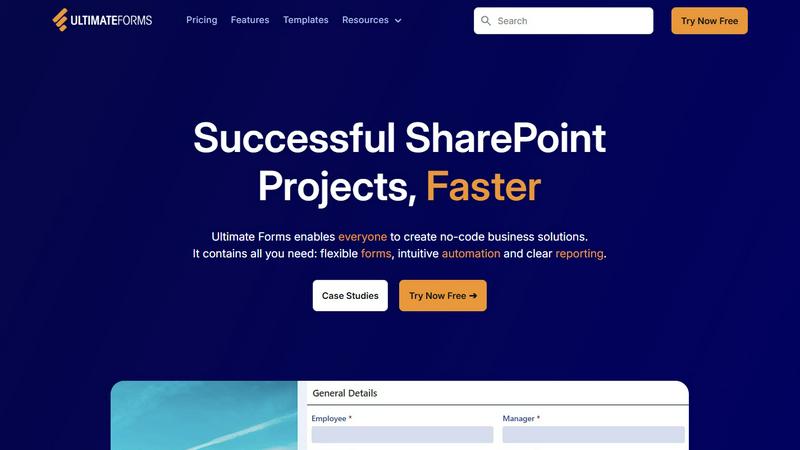
About Ultimate Forms
Infowise Ultimate Forms stands as the epitome of no-code business process automation within the Microsoft 365 ecosystem, meticulously designed for Microsoft SharePoint. This advanced platform empowers organizations to rise above the constraints of standard lists and libraries, enabling the creation of dynamic, intelligent, and fully customizable forms and workflows. It caters to business users, department heads, and SharePoint administrators who aspire to digitize and optimize operations without the need for complex coding or reliance on external development resources. Ultimate Forms seamlessly integrates with the familiar SharePoint environment, ensuring that all data remains securely within your Microsoft 365 tenant while delivering an exceptional user experience. The core value proposition of Ultimate Forms lies in its ability to democratize the creation of powerful business applications—from intricate project trackers to multi-stage HR portals—facilitating faster deployment, enhanced data integrity, and substantial resource savings. By providing a comprehensive suite of tools for form design, intuitive automation, and insightful reporting, Ultimate Forms accelerates successful SharePoint projects, transforming common business scenarios into elegant and efficient digital solutions.
Features of Ultimate Forms
Flexible Forms
Ultimate Forms offers convenient, responsive modern forms that feature tabs, section and column permissions, dynamic rules, repeating sections, electronic signatures, and input validation. This flexibility ensures that all data remains securely within SharePoint while enhancing user experience and improving data quality.
Intuitive Automation
The platform replaces complex SharePoint and Power Automate workflows with simple yet versatile Actions that facilitate data creation and updates within SharePoint and a variety of integrated applications, including Exchange, MS SQL, and Teams. This simplification empowers users throughout the organization to create and manage business solutions with ease.
Clear Reporting
Ultimate Forms presents data as actionable insights through detailed shareable reports, dashboards, KPIs, calendars, and charts. This feature enables everyone to visualize information in an accessible manner, thereby enhancing responsiveness and accountability across the organization.
Pre-built Solution Templates
With Ultimate Forms, users can effortlessly create, replicate, and distribute forms and automation-enhanced SharePoint business solutions. The vast library of pre-built templates allows for the quick deployment of solutions across various sites and tenants, saving significant time and effort.
Use Cases of Ultimate Forms
Project Management
Ultimate Forms can be utilized to manage and track customers, projects, tasks, and work hours efficiently. Users can create tailored solutions that cater specifically to their project management needs, enhancing collaboration and transparency.
HR Recruitment
The platform supports the creation of a multi-stage portal designed to process, evaluate, and hire candidates. This use case streamlines HR processes, improving the overall efficiency of recruitment efforts and ensuring that the best candidates are selected.
Leave Request Management
Organizations can leverage Ultimate Forms to manage employee leave requests and approvals seamlessly. This application simplifies the tracking of leave balances, enhances communication, and ensures compliance with internal policies.
Asset Tracking
With Ultimate Forms, businesses can create sophisticated asset tracking solutions that enhance visibility and control over company assets. The platform allows for the integration of various data sources, enabling comprehensive tracking and reporting on asset utilization.
Frequently Asked Questions
What is Ultimate Forms?
Ultimate Forms is a no-code business process automation platform designed specifically for Microsoft SharePoint, allowing users to create customizable forms and workflows without requiring coding skills.
Who can benefit from using Ultimate Forms?
Ultimate Forms is designed for business users, department heads, and SharePoint administrators who seek to digitize and streamline their operations while maintaining data security within the Microsoft 365 ecosystem.
How does Ultimate Forms enhance user experience?
By providing flexible, responsive forms and intuitive automation features, Ultimate Forms significantly improves user experience, allowing users to interact with data more efficiently and effectively.
Can I integrate Ultimate Forms with other applications?
Yes, Ultimate Forms seamlessly integrates with various applications such as Exchange, MS SQL, and Teams, allowing for enhanced data management and workflow automation across platforms.