Fallom vs TrafficClaw
Side-by-side comparison to help you choose the right product.

Fallom delivers comprehensive observability for LLM applications, ensuring real-time insights and cost transparency for.
Last updated: February 28, 2026

TrafficClaw
Talk to your SEO & Analytics data - it finally talks back
Visual Comparison
Fallom
TrafficClaw
Overview
About Fallom
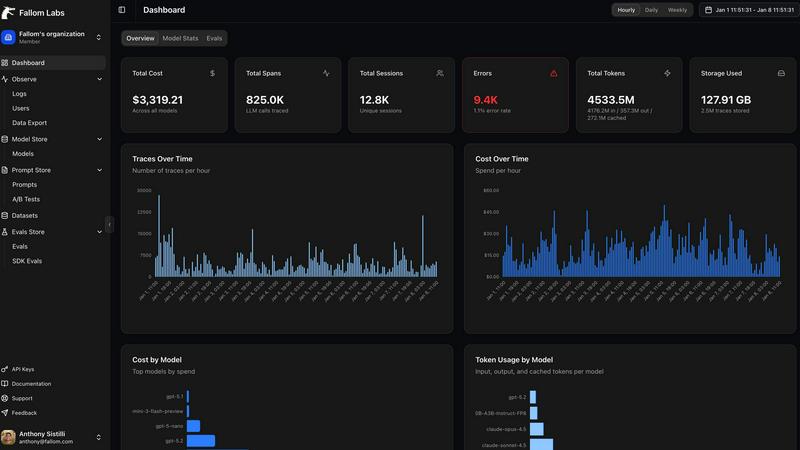
Fallom stands as the definitive observability platform meticulously crafted for the sophisticated demands of intelligent applications in today’s AI landscape. With a focus on delivering unparalleled real-time visibility, Fallom empowers engineering and product teams to gain insights into every interaction involving Large Language Models (LLMs) and AI agents within their production environments. In an era where AI operations often remain shrouded in opacity and are fraught with high costs, Fallom breaks down these barriers by illuminating the entire lifecycle of each API call. It captures critical data points including prompts, outputs, tool executions, token usage, latency, and exact per-call costs, enabling comprehensive monitoring and analysis. Beyond mere observation, Fallom offers session-level context, intuitive timing waterfalls for complex multi-step agents, and enterprise-ready audit trails, ensuring compliance with regulatory mandates. With OpenTelemetry-native SDK integration, teams can effortlessly instrument their applications, fostering confidence in monitoring live usage, debugging intricate issues, and accurately attributing operational expenses across various models, users, and business units. Fallom transforms AI from an enigmatic black box into a transparent, manageable asset, paving the way for optimized performance and enhanced operational efficiency.
About TrafficClaw
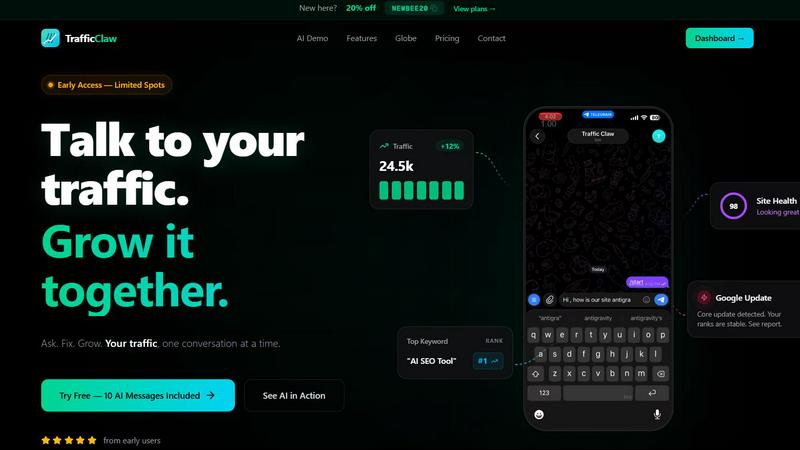
Your traffic dropped. Google Analytics says nothing useful. Search Console shows graphs. Cool. Now what? TrafficClaw lets you just ask - "Why did my traffic drop?" and actually get an answer. Backed by your real data, not some generic blog post advice. Connect GA4 + Search Console. Ask questions. Get fixes. That's it.