Gaffa vs TrafficClaw
Side-by-side comparison to help you choose the right product.

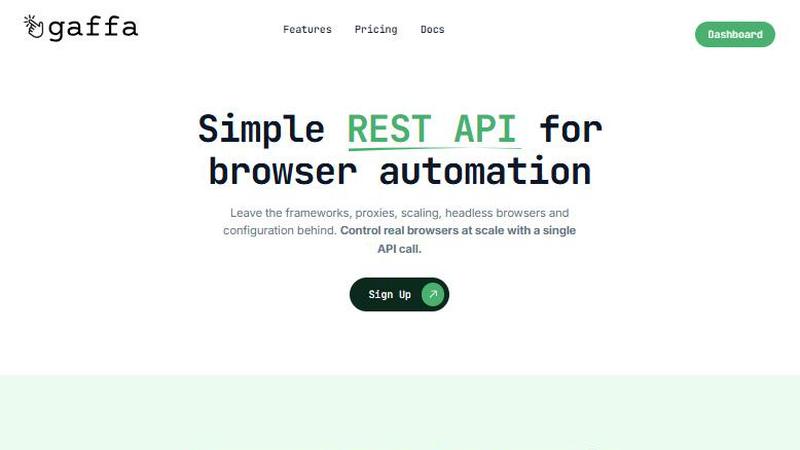
Gaffa effortlessly streamlines web data extraction and browser automation at scale with a simple, powerful API.
Last updated: March 1, 2026

TrafficClaw
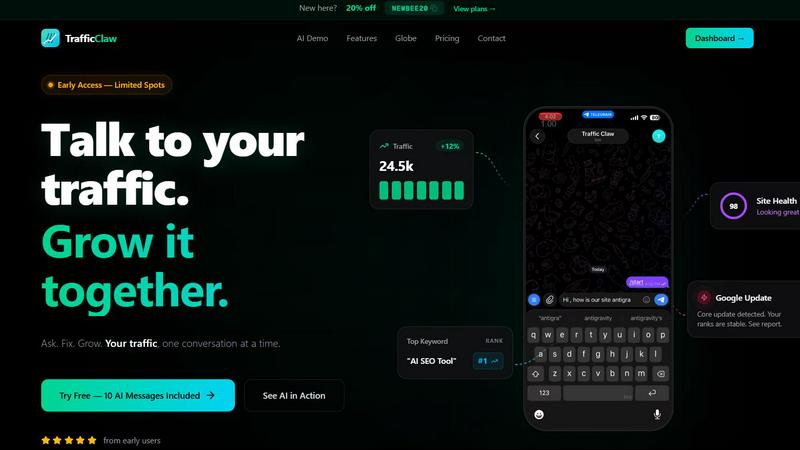
Talk to your SEO & Analytics data - it finally talks back
Visual Comparison
Gaffa
TrafficClaw
Overview
About Gaffa
In the intricate and dynamic realm of web data acquisition, Gaffa stands out as a sophisticated solution that simplifies what has traditionally been a complex and labor-intensive process. This powerful API is meticulously crafted for developers, data scientists, and businesses who seek reliable, large-scale access to web data without the operational encumbrances typically associated with such tasks. Gaffa's primary value proposition lies in its ability to abstract away immense technical complexities, adeptly managing the multifaceted challenges of residential proxy rotation, infrastructure scaling, failure management, and data parsing. Users are liberated from the incessant demands of maintaining fragile scraping pipelines. With a straightforward, well-documented REST API, Gaffa empowers users to orchestrate authentic browser automation, mimicking human-like interactions such as scrolling and clicking, and extracting data in multiple formats including raw HTML, LLM-ready markdown, images, or structured JSON. Engineered to excel where other tools fall short, Gaffa incorporates a stealth mode utilizing genuine browsers, automated CAPTCHA resolution, and a global residential proxy network, ensuring seamless data retrieval from even the most fortified websites. This makes Gaffa the definitive choice for those who wish to focus on deriving valuable business insights and developing applications, rather than grappling with the intricacies of web data collection.
About TrafficClaw
Your traffic dropped. Google Analytics says nothing useful. Search Console shows graphs. Cool. Now what? TrafficClaw lets you just ask - "Why did my traffic drop?" and actually get an answer. Backed by your real data, not some generic blog post advice. Connect GA4 + Search Console. Ask questions. Get fixes. That's it.