
MindMap AI vs Zovo
Side-by-side comparison to help you choose the right product.

MindMap AI
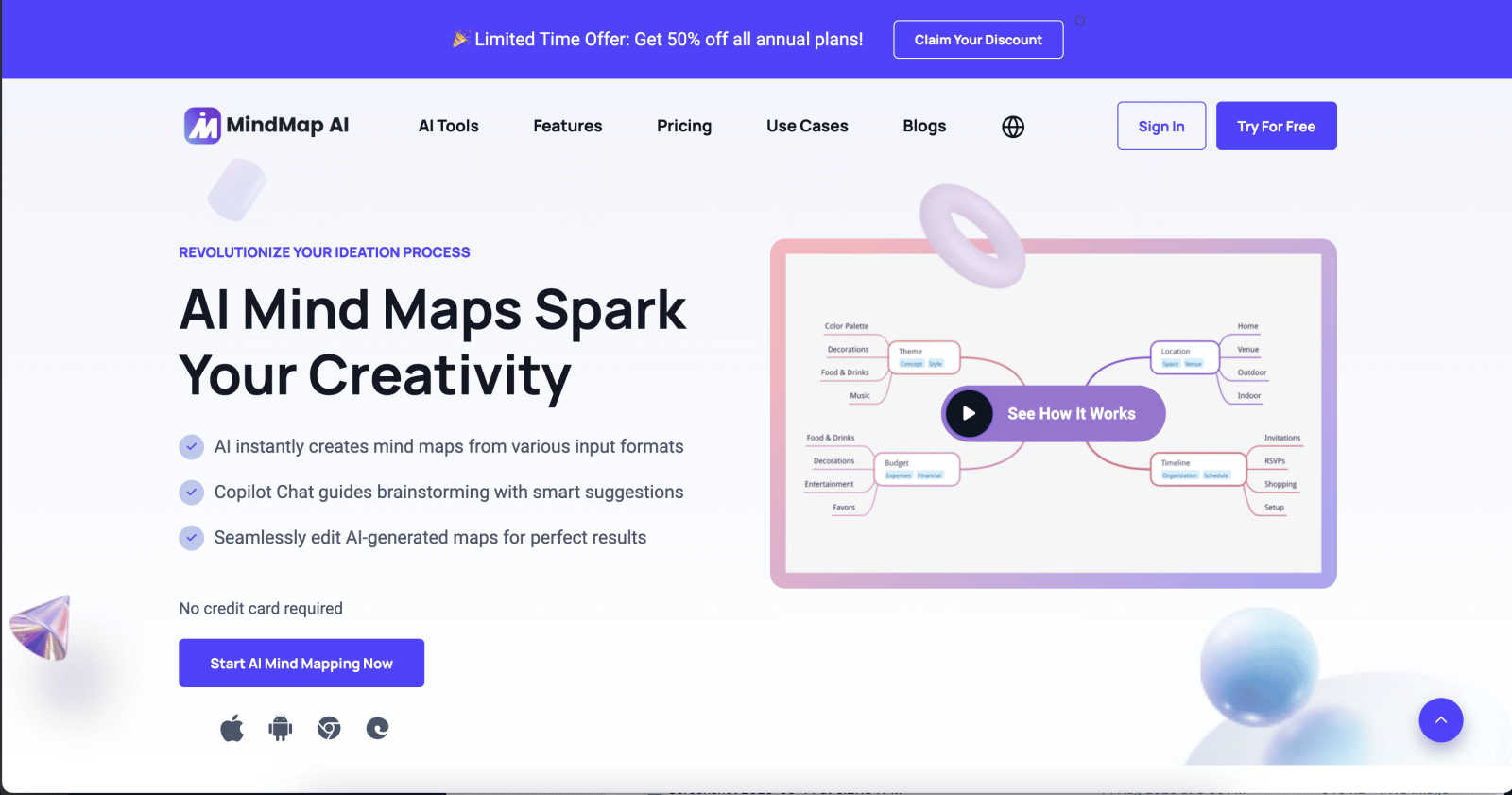
MindMap AI transforms your ideas into structured, editable mind maps with intelligent co-creation.
Last updated: March 1, 2026

Zovo offers 20 privacy-centric Chrome extensions for developers and writers, all crafted by a solo developer for one.
Last updated: February 26, 2026
Visual Comparison
MindMap AI
Zovo

Feature Comparison
MindMap AI
The New Brain: AI Thinking Mode
This proprietary reasoning engine is the intellectual core of MindMap AI. It employs a step-by-step cognitive process to deeply analyze context, hierarchy, and relationships within your input before generating a single node. This ensures every mind map is structurally sound, meaningful, and accurate from inception, eliminating the frustration of random, disconnected branches and providing a reliable foundation for complex thought.
File-to-Map Conversion
Effortlessly transform virtually any content format into a beautifully structured mind map. The platform accepts text, PDFs, images, audio, video, Markdown, CSV, and more, automatically synthesizing the key information into a clean visual layout. This liberates users from the manual tedium of initial formatting, allowing them to immediately engage in higher-order thinking, analysis, and creative expansion of their ideas.
Continuous Editing & MindMark Stability
MindMap AI champions a truly collaborative partnership between user and machine. You maintain full manual control to expand, summarize, reorganize, and style your map. The AI co-edits alongside you, offering intelligent suggestions for expansion or summarization while rigorously preserving your manual edits, custom layouts, and personal structural choices. Your design integrity remains untouched, providing a stable canvas for iterative refinement.
Flexible Layouts & Instant Aesthetics
Visualize your project from the perfect perspective by switching effortlessly between Mind Map, Organizational Chart, and Logic Chart views. Your core structure remains perfectly aligned across all layouts. Coupled with a library of curated, presentation-ready themes and deep customization options for colors, fonts, and shapes, you can achieve professional, brand-aligned aesthetics in a single click.
Zovo
BeLikeNative
BeLikeNative is a standout extension that empowers users to write like a native speaker with unparalleled ease. This feature provides one-keystroke rewrites in 80 languages, allowing instant corrections and improvements to any text. It's perfect for students, professionals, and anyone looking to enhance their writing skills across multiple languages.
Tab Suspender Pro
Tab Suspender Pro is designed to optimize browser performance by automatically suspending inactive tabs. This smart extension detects unused tabs and suspends them, freeing up valuable memory resources. Users can navigate their browser more efficiently without the burden of excessive memory consumption, ensuring a smoother experience.
JSON Formatter Pro
JSON Formatter Pro is an essential tool for developers and data analysts alike. It enables users to format, validate, and explore JSON data locally, with features such as beautification and minification. Additional capabilities like tree exploration and support for YAML and CSV enhance its versatility, making it a must-have for anyone working with data.
Clipboard History Pro
Clipboard History Pro offers a robust solution for managing copied text, allowing users to store and retrieve up to 10,000 clips effortlessly. With instant search functionality and smart paste options, users can quickly access their clipboard history, ensuring that no information is ever lost. This extension is invaluable for writers, researchers, and anyone who frequently copies and pastes content.
Use Cases
MindMap AI
Strategic Planning & Business Development
Professionals can deconstruct complex negotiations, market analyses, or business strategies. By converting project briefs, meeting recordings, and research documents into interconnected maps, teams can visualize dependencies, identify opportunities, and craft actionable roadmaps, turning strategic chaos into a clear, executable vision.
Academic Research & Learning
Students, educators, and researchers utilize MindMap AI to synthesize vast amounts of information. Lectures, textbooks, and academic papers can be converted into concise visual summaries, facilitating deeper comprehension, connecting disparate concepts, and organizing knowledge for essays, theses, or curriculum design with remarkable efficiency.
Creative Brainstorming & Project Management
Creative teams and project managers leverage the platform to fuel ideation sessions and track project evolution. Starting from a central concept, the AI assists in expanding creative branches, while features like priority flags and due dates transform the mind map into a living, actionable project plan that maintains clarity as scope and ideas evolve.
Content Synthesis & Presentation Preparation
Consultants, trainers, and content creators use the tool to distill lengthy reports, interview transcripts, or training materials into their essential components. The resulting map provides a clear narrative structure, which can be instantly styled with professional themes to create compelling visual aids for presentations, workshops, or client reports.
Zovo
Enhancing Writing Skills
Users can utilize BeLikeNative to refine their writing, whether composing emails, essays, or social media posts. The ability to receive instant rewrites in various languages allows for greater linguistic confidence and proficiency, catering to a global audience.
Optimizing Browser Performance
With Tab Suspender Pro, users can maintain a clutter-free and efficient browsing experience. Professionals juggling numerous projects can benefit from reduced memory usage, allowing their system to run smoothly while accessing multiple tabs.
Simplifying Data Management
JSON Formatter Pro serves as an indispensable tool for developers working with APIs or data sets. The ability to format and validate JSON data quickly allows for more efficient debugging and data handling, streamlining the development process.
Managing Clipboard Efficiently
Clipboard History Pro is ideal for researchers or writers who often copy and paste large amounts of information. Users can easily retrieve previously copied content, significantly boosting productivity and minimizing the risk of losing valuable text.
Overview
About MindMap AI
MindMap AI represents the evolution of visual thinking, a sophisticated platform where artificial intelligence converges with intuitive design to transform cognitive processes. It is engineered for professionals, educators, researchers, and teams who demand precision and elegance in structuring complex information. At its core, MindMap AI transcends traditional mind mapping by serving as an intelligent co-pilot. It seamlessly ingests diverse inputs—from raw text and dense PDFs to multimedia recordings of meetings and lectures—and distills them into coherent, dynamic visual maps. This process unlocks profound clarity, enabling users to uncover latent insights, refine strategic plans, and foster collaborative innovation. The platform's paramount value lies in its unique "MindMark Stability," ensuring AI augmentation respects and builds upon human thought without overwriting it. By offering a fluid workspace that adapts across devices and perspectives, MindMap AI empowers over a million thinkers to transition seamlessly from chaotic ideation to structured, actionable understanding, elevating both individual creativity and collective productivity.
About Zovo
Zovo is a remarkable suite of 20 Chrome extensions meticulously crafted by a solo developer with over a decade of experience and an impressive track record of earning more than $400,000 on Upwork, all while maintaining a flawless 100% success rate. This innovative collection is designed for users seeking tools that enhance their browsing experience, safeguard their privacy, and streamline their workflow. With flagship product BeLikeNative, more than 3,300 users can effortlessly write like native speakers in 80 languages, all with a single keystroke. Each extension within the Zovo suite is developed with a privacy-first approach, ensuring that user data remains secure and never leaves their device. Emphasizing community engagement, users have the unique opportunity to vote on features, directly influencing the roadmap of new developments. Monthly releases of new extensions keep the suite fresh and innovative, with many tools also available for free online at zovo.one.
Frequently Asked Questions
MindMap AI FAQ
How does MindMap AI ensure my manual edits are not overwritten?
MindMap AI is built on a principle called "MindMark Stability." The AI is designed to function as a respectful co-editor, not an autonomous overwriter. When you make manual adjustments to text, structure, or style, the system locks those elements. Any subsequent AI-assisted expansion or summarization works around your edits, preserving your intentional design and intellectual contribution at all times.
What types of files can I convert into a mind map?
The platform supports an extensive range of input formats to streamline your workflow. You can directly transform text, PDF documents, PowerPoint slides, images, audio files (e.g., meeting recordings), video files, Markdown, CSV data, JSON, XML, and HTML into structured, editable mind maps. This versatility allows you to start mapping from virtually any digital content source.
Can I use MindMap AI in languages other than English?
Absolutely. MindMap AI offers robust multi-language support, allowing you to create, edit, and process content in over 25 languages. The AI's reasoning engine maintains consistent accuracy, structural integrity, and layout coherence across all supported languages, enabling global teams and individuals to think and plan in their native tongue.
Is there a free plan available?
Yes, MindMap AI offers a generous free tier designed for new users to experience its core capabilities. This plan includes 50 free AI credits monthly, allowing for substantial exploration of the file conversion, AI co-editing, and mapping features without requiring a credit card for initial sign-up.
Zovo FAQ
What makes Zovo different from other Chrome extension developers?
Zovo stands out due to its privacy-first approach, with a commitment to user data security. Unlike corporate solutions, Zovo does not engage in data harvesting or rely on investors. Each extension is developed by a solo developer who values direct user feedback.
How can I request features for Zovo extensions?
Users can submit feature requests directly through the Zovo platform. The developer personally reviews each request, prioritizing the most requested features for future updates, ensuring that the tools evolve in line with user needs.
Is there a community for Zovo users?
Yes, Zovo fosters a vibrant community where users can interact, share suggestions, and participate in discussions. Users are encouraged to join the Discord community for real-time communication and support.
Are there any free tools available from Zovo?
Zovo offers several tools that are accessible for free online at zovo.one. These tools allow users to experience the functionality of Zovo's extensions without installation, making them readily available for casual use.
Alternatives
MindMap AI Alternatives
MindMap AI stands as a sophisticated cornerstone in the modern productivity landscape, an AI-driven mind mapping solution designed to transform unstructured ideas and content into dynamic visual frameworks. It represents a premium tier within the cognitive and project management software category, offering a seamless fusion of artificial intelligence with intuitive design to elevate strategic thinking and collaborative planning. Even with its advanced capabilities, discerning users may explore the broader market for alternatives. This search is often motivated by specific budgetary considerations, the need for particular niche functionalities, or requirements for integration with existing platform ecosystems. Some may seek tools with a different philosophical approach to ideation or those that prioritize certain collaboration models over others. When evaluating potential solutions, it is prudent to consider several key dimensions. Assess the core intelligence of the platform—its ability to intelligently parse and structure diverse inputs. Examine the flexibility of the visual workspace and the depth of collaborative features. Finally, weigh the overall value proposition, ensuring the tool not only meets functional requirements but also integrates gracefully into your established workflow, enhancing clarity and creative output.
Zovo Alternatives
Zovo is a comprehensive suite of 20 privacy-first Chrome extensions designed specifically for developers and writers. This innovative collection includes tools like JSON Formatter and Tab Suspender, all crafted to enhance productivity while prioritizing user privacy. With a single subscription granting access to the entire suite, Zovo empowers its users to streamline their workflow with confidence, knowing their data remains secure. As users explore the possibilities offered by digital tools, they often seek alternatives to Zovo for various reasons, including pricing structures, specific feature sets, or compatibility with different platforms. When choosing an alternative, it is essential to consider factors such as the extension's privacy policies, user interface, and the degree of community involvement in its development. Evaluating these aspects can lead to a more tailored experience that aligns with individual needs and preferences.