About Image to Layers AI
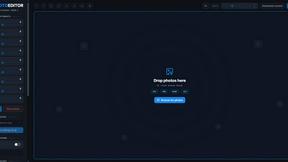
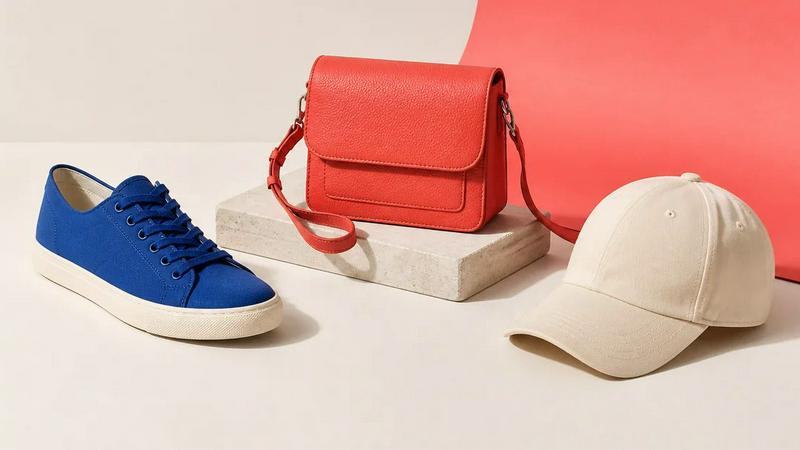
Turn any image into editable layers with AI. Upload a picture and get the subject, background, and objects as separate transparent PNG (RGBA) layers in about a minute. Works in any editor like Photoshop, Figma, or After Effects. Ideal for designers, motion artists, and developers who need quick, clean layer stacks without manual masking.
Explore more in this category:
Similar to Image to Layers AI
ideogram-45
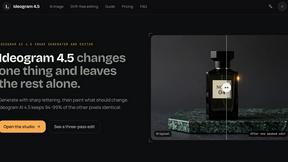
AI image generation and editing with sharp typography, native 2K output, and localized edits that preserve the rest of your image.
AI Object Remover
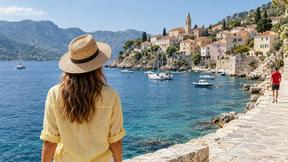
Remove unwanted people, objects, text and watermarks from photos with AI
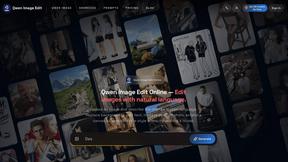
Qwen Image Edit
Edit and generate visuals online with Qwen Image Edit using natural-language prompts for backgrounds, text, product images, posters, outpainting, and
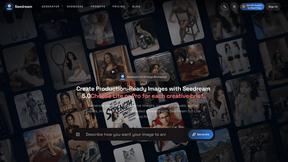
Seedream 5.0
Seedream 5.0 Pro and Lite for production-ready AI image generation and editing.
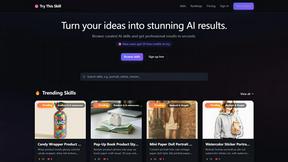
Try This Skill
One-click AI photo stylization for e-commerce & portraits
AI Image Editor
Free AI image editor that edits, retouches, and transforms photos with natural-language text prompts.