
Best Image Generation products (76+)
Discover 76+ best image generation products. Compare features, pricing, and reviews. Free and paid options available.
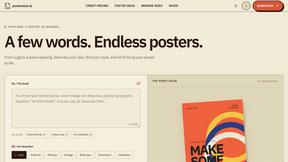
PosterSize
PosterSize combines a searchable poster dimensions guide with an AI generator for exploring print, social, and presentation designs.
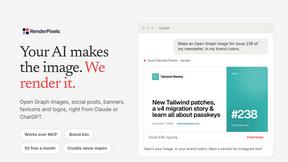
RenderPixels
RenderPixels turns requests to an AI assistant into sized image files, with previews, render checks, and reusable brand kits for creative work.
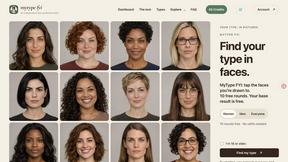
MyType FYI
MyType FYI is a face preference quiz for adults, using fictional portraits to reveal tentative visual patterns and offer optional AI creations.
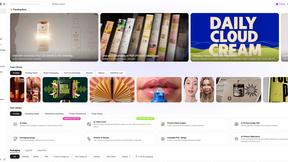
Rhinobird
Rhinobird helps e-commerce teams create product listing images, ad creative, video variations and packaging concepts from product imagery.
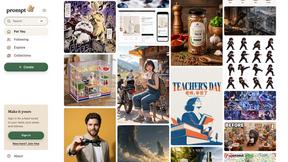
Promptclay
Find image prompt ideas with model-labeled results, task-specific guides and collections, then copy prompts to use elsewhere.
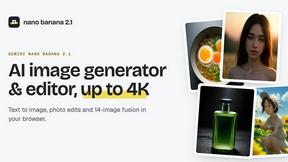
Nano Banana 2.1
Generate and edit images in a browser with Nano Banana 2.1, using up to 14 reference images and output options through 4K.
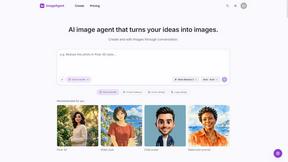
ImageAgent
ImageAgent combines conversational image creation and editing with downloadable results and credit packs that do not expire.
GenX.art
GenX.art brings multiple AI models for image, video, and audio creation into a workspace with guided tools and credit estimates.
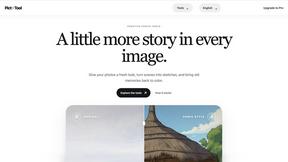
PictTool
PictTool turns uploaded photos into cartoon, comic, anime, watercolor, and sketch styles, with a dedicated tool for colorizing old photos.
AI Age Filter
Explore four AI aging increments on an adult portrait, then inspect the labelled square image before downloading or saving it.
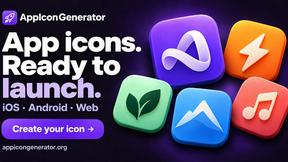
AppIconGenerator
Make platform-specific app icon files from one image, preview the outputs, and export a ZIP with browser-side processing.
FreeCreate
FreeCreate is an AI creative studio for text-to-video, image animation, motion control, and preset-based video creation.
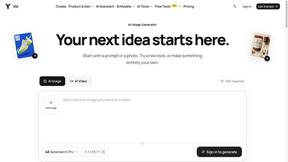
YIX
YIX makes AI images and videos from prompts or reference photos, with specialized workflows for ecommerce scenes, portraits and restoration.
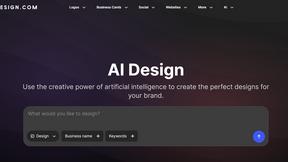
Design.com AI Image Generator
Design.com converts text prompts into varied images, producing multiple options in seconds for creative projects.
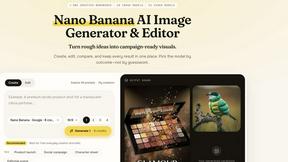
Nano AI
Create images across 20 models, edit with reference uploads and compare variations in a single workbench.
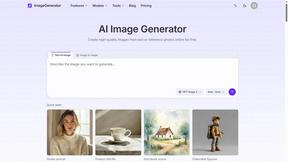
ImageGenerator
Turn a reference image into a new visual, or build one from text, with model selection and saved prompts for continued creative exploration.
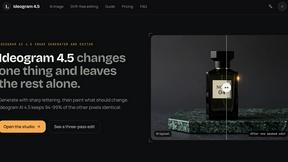
Ideogram 4.5
An image generator and editor for posters, labels and product visuals that need precise text and repeatable local changes.
ImageGPT
Create and edit images or video through chat, with automatic model routing and tools for common media tasks.
AI Album Cover Maker
Create square artwork for music releases and playlists from prompts or reference images, with chat-based revisions and high-resolution exports.
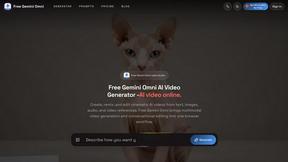
Free Gemini Omni
Generate short videos from prompts and visual references, with image, audio, and conversational AI tools available in the same online workspace.
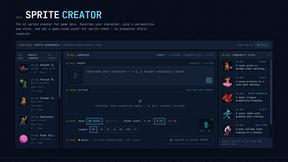
SpriteGen
SpriteGen makes game-ready animated sprite sheets from character prompts, with a looping preview and transparent PNG export.
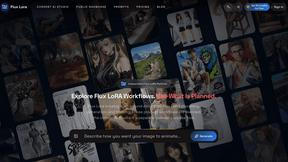
fluxlora
Use an AI studio, agent, and CLI to generate images, video, and music, with credit costs shown before each task.
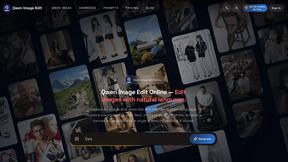
Qwen Image Edit
Qwen Image Edit uses text prompts to alter photos and product images, with related image and video creation tools in one workspace.
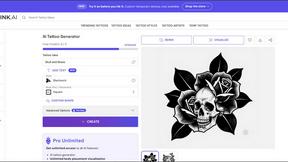
BlackInk AI
BlackInk AI generates tattoo ideas and organizes inspiration by placement, style, lettering, and subject for people planning a custom tattoo.
Ideogram Studio
Ideogram Studio helps creators make text-focused images from prompts or references, with image editing and video and audio tools in one workspace.
Wanvideo
Wanvideo combines AI image, video and audio creation with editing tools in one workspace and shows credit costs before generation.
Seedream
Seedream combines AI image tools with video, music and conversational creation in one credit-based workspace.
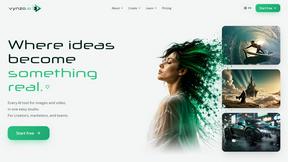
Vynzo
Vynzo brings AI image generation, video creation, face swapping, and prompt-based editing together for creators in one pay-as-you-go studio.
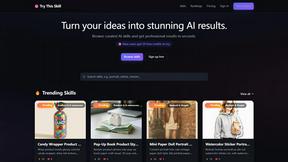
Try This Skill
Try This Skill offers focused AI image tools for restoring photos, colorizing monochrome pictures, and applying user-directed styles.
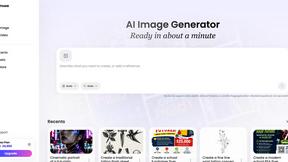
Vismuse
Vismuse turns creative prompts and reference images into editable AI visuals, including videos made from photos and artwork.
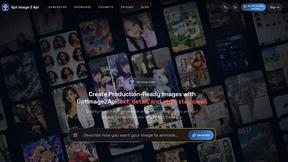
GPT Image Api
GPT Image Api gives creators image generation, reference-based editing, and access to video and music tools in a credit-based workspace.
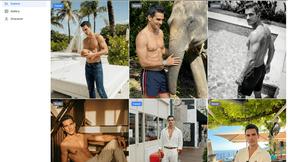
TruShot
TruShot creates AI dating profile photos from four selfies, with natural-looking scenes for people refreshing Tinder, Hinge, and Bumble profiles.
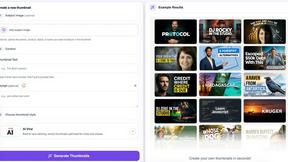
StopScroll
StopScroll helps creators compare several YouTube thumbnail directions before publishing, starting from a public video link or a creative brief.
HubVanta AI
HubVanta AI brings image, video, design, and audio workflows together for creators who want to experiment across media using shared credits.
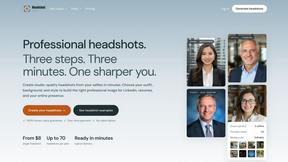
Headshot.ltd
Turn phone selfies into professional AI headshots, with a choice of backgrounds and attire for workplace profiles and business portraits.
IsThisAIImage
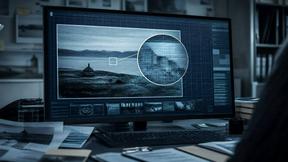
Get separate AI-generation and deepfake scores for an uploaded image, helping readers assess suspicious photos before sharing or acting on them.
Merge Two Photos
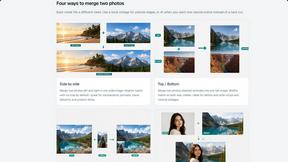
Make a two-photo collage with local layouts that keep images on your device, or try sign-in AI fusion for a prompt-led blend.
Modellix
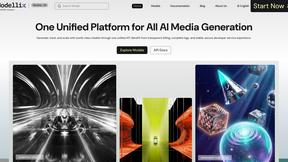
Modellix gives developers a single API for image, video, and audio generation models, with costs tracked per request.
Picture Enhancer
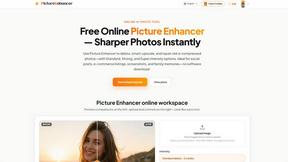
Picture Enhancer sharpens blurry photos and screenshots, enlarges small images up to 4×, and restores scratches or fading online.
Popular Alternatives in Image Generation
About Image Generation products
Image Generation tools use artificial intelligence to create visual content from text descriptions, sketches, reference images, and creative prompts. This category includes AI art generators, text-to-image platforms, style transfer tools, AI avatar creators, and product mockup generators that transform ideas into visual content.
Whether you are creating marketing visuals, generating concept art, producing social media graphics, building product mockups, or exploring creative AI art, these tools provide accessible image creation capabilities that were previously available only to skilled designers and illustrators.
Compare image generation tools by their output quality, style options, customization controls, generation speed, and pricing to find the right AI image creation solution for your visual content needs.
FAQs for Image Generation
What types of image generation tools are available?
This category includes text-to-image generators, AI art platforms, style transfer tools, AI avatar and portrait creators, product mockup generators, logo creators, and specialized image generation tools for marketing, social media, and creative projects.
How good is AI-generated image quality?
Modern AI image generators produce photorealistic and artistically compelling images that are suitable for many commercial and creative applications. Quality varies by tool and prompt, with the best tools delivering output comparable to professional design work.
Can I use AI-generated images commercially?
Licensing varies by tool. Many platforms grant commercial usage rights for generated images, but terms differ regarding exclusivity, attribution requirements, and specific use cases. Always check the licensing agreement for each tool.
Do I need design skills to use image generators?
No. Most image generation tools accept natural language descriptions and generate images automatically. Learning to write effective prompts improves results, but no traditional design skills are required to produce quality visual content.
How do I get better results from AI image generators?
Write detailed, specific prompts that describe style, composition, lighting, mood, and subject matter clearly. Experiment with different wording, use negative prompts to exclude unwanted elements, and iterate on results to refine your output.
What are the limitations of AI image generation?
Common limitations include inconsistent text rendering in images, difficulty with specific hand and finger details, challenges with exact brand reproduction, and potential style biases from training data. Results improve with each tool update.