
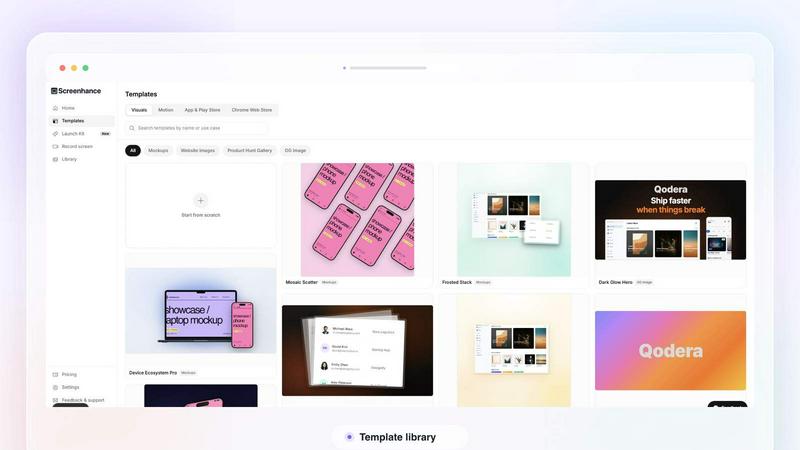
About Screenhance
Screenhance is an all-in-one visual creation toolkit for founders, developers and marketers. Turn ordinary images, screenshots into polished device mockups, App Store screenshot sets, website graphics, social assets and animated product videos. Create visuals using customizable templates, device frames, backgrounds, text and motion, or record your screen and transform the recording into a professional product demo. Screenhance also helps you build coordinated launch assets for channels such as Product Hunt and social media. Export your work as high-quality images, GIFs or videos, without needing professional design or video-editing skills.
Similar to Screenhance

AIPetGen
Turn a photo of your pet into new pictures or short animations with AI. Sign in for a free 1K image daily.
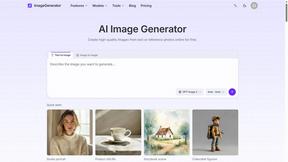
ImageGenerator
Create and edit AI images online with multiple models, text-to-image, image-to-image, background removal, and upscaling.
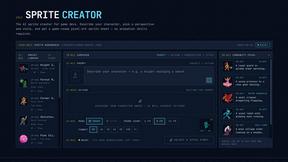
Sprite Sheet Maker
Create pixel-art sprite sheets from text with AI, preview animations, and export PNG assets for game prototypes.
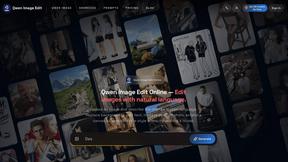
Qwen Image Edit
Edit and generate visuals online with Qwen Image Edit using natural-language prompts for backgrounds, text, product images, posters, outpainting, and
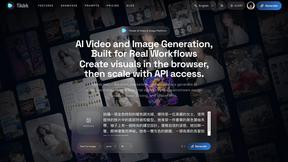
Seedance 2.5 Free
Create polished AI videos from text or images online with Seedance 2.5 Free.
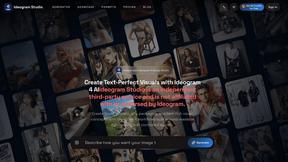
Ideogram Studio
Ideogram 4 AI workflows for creating text-rich images, logos, posters, ads, and packaging.
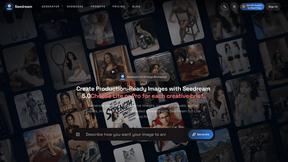
Seedream 5.0
Seedream 5.0 Pro and Lite for production-ready AI image generation and editing.
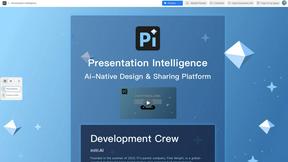
Presentation Intelligence
AI-native presentation and visual content platform that turns prompts, documents, images, videos, and data into polished, shareable decks.