
Alternatives to AI Formatter
AI Formatter instantly transforms raw text into elegantly structured, professional documents.
20 alternatives found

Safe Outreach
AI-powered platform that evaluates the safety of LinkedIn automation tools and helps reduce the risk of account restrictions.

How Long How Many Tool
Timers and hourly checks to figure how out long until a certain time or how many days away.

Memorable Contact
AI-powered personal CRM that remembers where you met people and what you talked about. Save, scan, and recall contacts instantly.

ButterShare
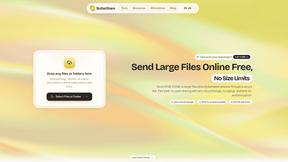
Send files straight between two browsers with a 6-digit key. No signup, no install, nothing stored on a server.
Verva
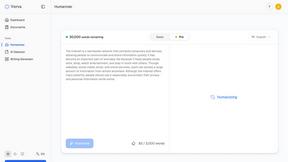
AI humanizer that transforms AI-generated text into natural, undetectable writing that bypasses AI detectors.
Emailyy
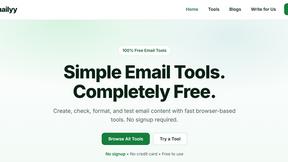
Free email tools for signatures, subject lines, HTML previews, word counts, and email headers. Browser-based, simple to use, and no signup required.
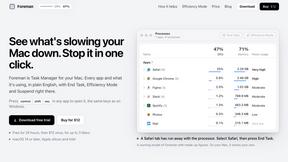
Foreman
See every app and what it's using in plain English, and end or slow down the one that's hogging your Mac.

Uniclip
Clip pages, take full-page screenshots and batch-capture list data to Notion, Feishu, Obsidian, Markdown, CSV or JSON.
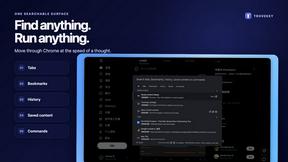
TroveKey
Search tabs, Chrome bookmarks and history, run browser commands, and save webpages and social posts locally—no account.
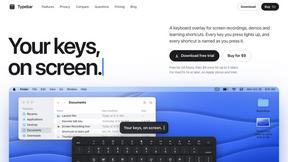
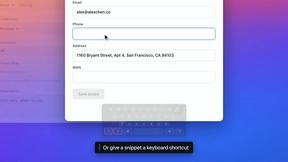
Typebar
Every key you press lights up on an on-screen keyboard, and each shortcut is named as you press it.
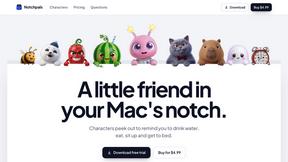
Notchpals
Little characters peek out of your Mac's notch to remind you to drink water, eat, sit up and get to bed. Quiet during calls. $4.99 once.
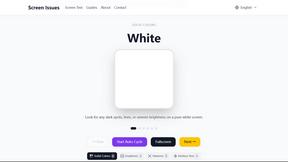
Screen Issues
Free Online Screen Test Tool - Instantly diagnose dead pixels, lines, color issues, and flickering. Multiple test modes, no download needed.

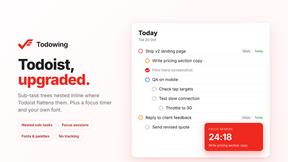
Todowing
Chrome extension that nests Todoist sub-tasks inline in Today, Upcoming, Filters and Labels. Free tier, $19.99 one-time unlock.
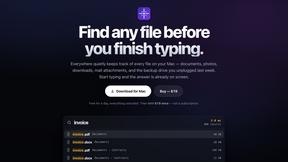
Everywhere
Fast file search for the Mac. Results as you type, files inside Mail and Photos, works with Wi-Fi off. $19 once.
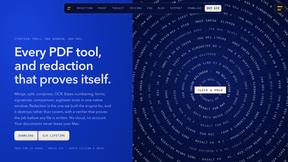
Basalt
Eighteen PDF tools in one native Mac window: merge, split, compress, OCR, Bates numbering, forms, signing and redaction. Offline. $29 once.
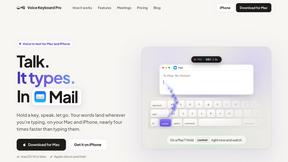
Voice Keyboard Pro
Hold a key, say what you mean, let go. Clean, punctuated text lands at the cursor in any app on your Mac or iPhone.
About AI Formatter Alternatives
AI Formatter stands as a premier solution in the productivity and document management category, leveraging sophisticated artificial intelligence to instantly transform raw text into polished, professional documents. It is engineered for those who demand excellence in presentation, from job seekers to enterprise leaders. Users may explore alternatives for various reasons, including specific budgetary constraints, a need for specialized features beyond core formatting, or a preference for different software ecosystems. The landscape offers a spectrum of tools, each with its own approach to streamlining document creation. When evaluating other solutions, discerning professionals should consider the depth of intelligent automation, the quality and relevance of design templates, and the tool's proficiency with systems like applicant trackers. The ideal alternative should not only beautify text but also enhance its strategic impact, marrying form with function to serve your unique professional narrative.
FAQs about AI Formatter Alternatives
What is AI Formatter?
AI Formatter is a sophisticated, cloud-based platform by Sun Sky LLC that uses artificial intelligence to instantly transform unstructured text and file uploads into polished, publication-ready documents.
Who is AI Formatter for?
It is designed for ambitious job seekers, time-pressed professionals, scaling businesses, and meticulous academics who need to produce compelling, professionally formatted materials efficiently.
Is AI Formatter free?
Yes, AI Formatter offers a generous free tier to start, with scalable plans available for users needing more advanced, enterprise-grade solutions.
What are the main features of AI Formatter?
Its core features include an AI-powered formatting engine that optimizes for ATS and context, and an extensive library of over 100 professional, industry-specific templates.