

Alternatives to VideoAny
VideoAny is a video-first AI studio with text-to-video, image-to-video and built-in image and audio generation tools.
20 alternatives found

FoxyLab
FoxyLab turns written requests and product websites into editable marketing videos and banner sets.

InterviewAce
InterviewAce pairs live interview prompts grounded in your resume with mock sessions and feedback for job candidates.
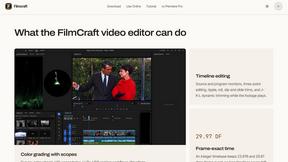
FilmCraft
FilmCraft is a free video editor with open-source licensing, frame-accurate timing, and desktop or WebAssembly browser access.
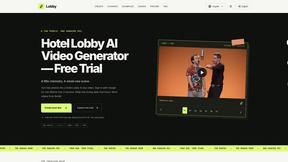
LobbyClip
LobbyClip creates short AI duo videos from two photos, with templates for people and pets and one-time credit purchases.
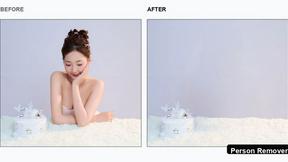
PersonRemover
PersonRemover removes people from photos with AI detection or brush selection, then reconstructs the background; free HD exports include a watermark.

FindTourGuide
FindTourGuide helps travelers compare local tour operators' custom itineraries and quotes after submitting one trip inquiry.
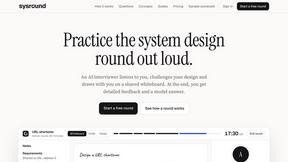
SysRound
Practice technical interviews with company question pages, coding study plans and a workspace, then rehearse system design in timed AI mock rounds.

SciDrawer AI
SciDrawer AI turns research prompts, sketches, and reference figures into high-resolution diagrams and graphical abstracts for papers and posters.
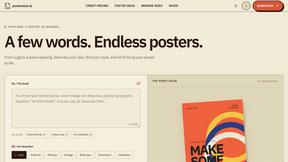
PosterSize
PosterSize combines a searchable poster dimensions guide with an AI generator for exploring print, social, and presentation designs.
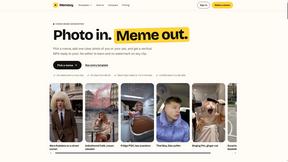
Memevy
Make watermark-free video memes from a photo or prompt, using timed templates and downloadable MP4 clips priced by credits.
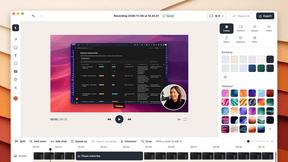
ScreenOtter
ScreenOtter is Mac screen recording software with camera layouts, face tracking and a teleprompter for presenters making demos or lessons.
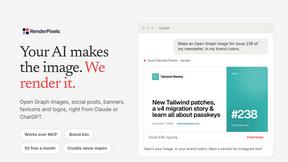
RenderPixels
RenderPixels turns requests to an AI assistant into sized image files, with previews, render checks, and reusable brand kits for creative work.
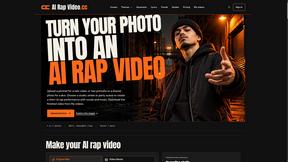
AI Rap Video.cc
Make short rap videos from photos, choosing an original AI performance or a reference-based cast remix.
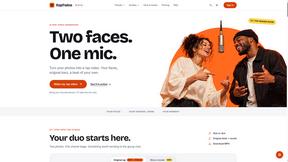
RapTwins
RapTwins creates short AI rap videos from photos, with generated bars, beats, and vocals plus stage and caption choices for sharing.
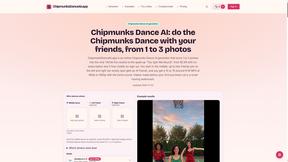
Chipmunks Dance AI
Turn one to three photos into a vertical Chipmunks Dance video, with options for length, resolution and AI-generated dance partners.
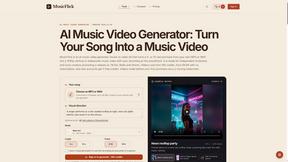
MusicFlick
MusicFlick turns a selected 5- or 10-second MP3 or WAV excerpt into a 1080p music video for independent musicians and creators.
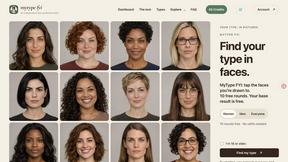
MyType FYI
MyType FYI is a face preference quiz for adults, using fictional portraits to reveal tentative visual patterns and offer optional AI creations.
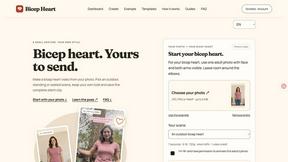
Bicep Heart
Turn one adult photo into a seven-second bicep-heart clip, with selectable scenes and optional adjustable lettering.
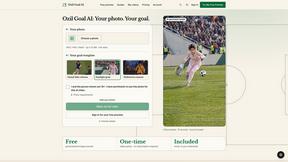
Ozil Goal AI
Ozil Goal AI turns a photo of a consenting adult into a football highlight video using preset moves and a free image preview.
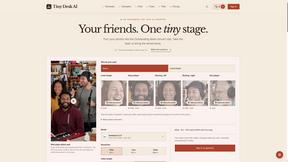
Tiny Desk AI
Create an AI-styled Outstanding Tiny Desk meme video from a portrait, with optional band casting and adjustable clip length.
About VideoAny Alternatives
For fashion or portrait work, compare the clothes-changing workflow with dedicated image editing options based on how much control the task requires. For video, compare supported models and their output settings, since credit use varies by model and output type. VideoAny combines these categories in one studio, so the relevant trade-off is breadth versus the specific controls your project needs.
FAQs about VideoAny Alternatives
What should I compare for image editing?
Look at the control needed for the task and whether a photo-based clothes-changing workflow is sufficient.
Do all models use credits at the same rate?
No. Credit use depends on tool, model and output type, so check the rate in the creation tool.