
Delta Report
Delta Report combines independent science coverage with separate tools for space-weather indicators and Starlink tracking.
Visit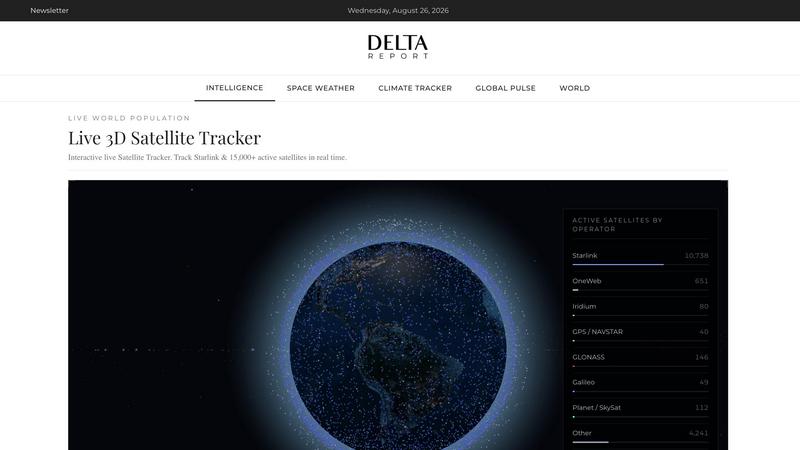
About Delta Report
Delta Report brings together independent reporting and data tools for people following developments in space, technology and environmental research. Readers can browse articles and explainers for context, then consult the space-weather dashboard for geomagnetic and solar activity indicators. Starlink tracking is handled through a separate view.
The split between editorial coverage and focused tools is useful when a reader wants both background and a specific monitoring destination. The publication does not claim guaranteed forecast accuracy or official agency affiliation, so the dashboard is most appropriately used to follow indicators alongside other context. Researchers and science writers can also consider the site as a place to pitch coverage.
Features of Delta Report
- Independent publication focused on space, technology and environmental research
- Editorial articles and related explainers
- Space-weather dashboard showing geomagnetic and solar activity indicators
- Separate Starlink tracker
Use Cases of Delta Report
- Read explainers alongside monitoring solar or geomagnetic activity
- Browse research coverage across space and environmental topics
- Check the separate Starlink tracking view
- Identify a potential publication outlet for science writing
Frequently Asked Questions
What is the difference between the two tracking tools?
One dashboard follows space-weather indicators; the Starlink tracker is a separate tool.
Does Delta Report cover environmental research?
Yes. Environmental research is one of the publication’s stated coverage areas.
Does the site invite contributors?
It invites pitches from researchers and science writers.
Explore more in this category:
Similar to Delta Report

Infograph
Infograph turns source material into visual stories, helping educators, researchers, and teams share information in readable formats.
Drawcil
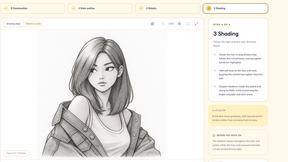
Drawcil offers photo-based drawing lessons with four pencil stages, letting learners practise on paper and revisit saved guides.
Evalyy
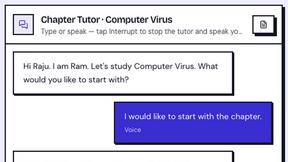
Evalyy turns chapter PDFs into quizzes, video explainers, and interactive tutoring, helping learners study assigned material in several formats.
Dot & Dash
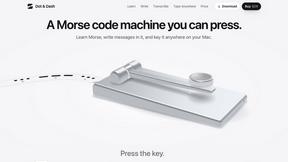
A Mac Morse code machine for guided lessons, hands-on keying, text conversion, and message sharing.
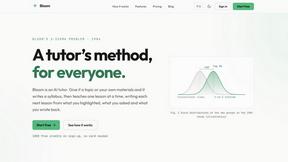
Bloom
Bloom turns topics and personal documents into a guided course, adapting each short lesson to your questions and feedback.
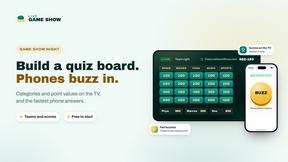
LiveGameShow
LiveGameShow lets a group play a hosted quiz on a shared screen, using phones as buzzers and an on-screen scoreboard.
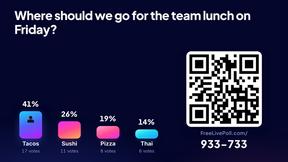
LivePoll
LivePoll makes free, QR code based polls with live results for classrooms, meetings, and events where audiences vote from their phones.
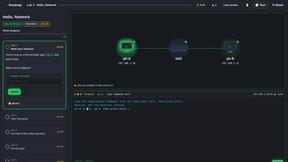
PracticeNetworking
PracticeNetworking turns networking concepts into 53 browser-based labs where learners troubleshoot with real commands and packet tracing.