
FreeCreate
Free AI image and video studio with no sign-up: generate images from text or photos, turn prompts into short videos, plus editing and upscaling.
VisitPublished on:
October 26, 2026
Pricing:
About FreeCreate
FreeCreate is a free AI creative studio for image and video generation that requires no sign-up. You can create AI images from text prompts or reference photos, turn a prompt or a still image into a short AI video, and edit the result in one workspace.
It also ships a full set of image tools: an AI photo editor, image-to-image transformation, background removal, image upscaling and enhancement, plus local resize, compress and format conversion that run directly in the browser.
Free starter models need no account, while paid plans unlock every model. FreeCreate fits AI art and illustrations, product and concept visuals, social media graphics, and short video experiments where you want to iterate quickly without a login wall. It is an independent platform and is not affiliated with Perchance.org.
Similar to FreeCreate
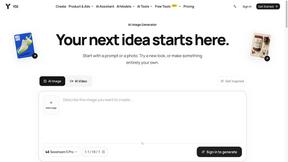

Design.com AI Image Generator
Turn text prompts into polished, copyright-safe visuals that plug directly into branded templates
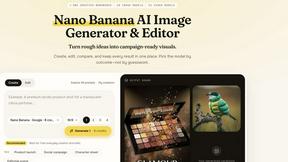
Nano AI
Create and edit AI images, generate videos, and compare models in one creative workbench.
Tesla Roadster AI
Tesla Roadster AI makes a 15-second Roadster ramp-flip video from one photo of a car, toy, or object. No watermark.
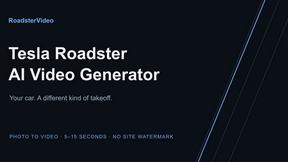
RoadsterVideo
RoadsterVideo turns a photo of your car into a 15-second Tesla Roadster ramp-flip AI video. No app, no prompt.
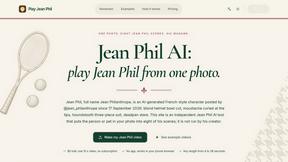
Play Jean Phil
Play Jean Phil turns one photo into a Jean Phil AI video: bowl cut, moustache and suit, eight scenes. 9:16 MP4, no prompt.
Gas Station Dance AI Generator
Browser-based AI generator that recreates the viral gas station dance video from 1-3 photos. 15s MP4 for TikTok, Reels and Shorts.
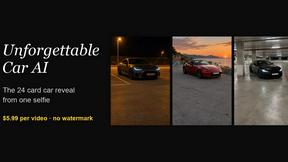
Unforgettable Car AI
Unforgettable Car AI makes the 15-second 24 UNO car-reveal trend from one selfie. 9:16 or 16:9 MP4, no watermark.