
SubtitlesFast
Create captivating subtitles for your videos in minutes with SubtitlesFast's effortless all-in-one editing app.
VisitPublished on:
August 30, 2025
Pricing:
About SubtitlesFast
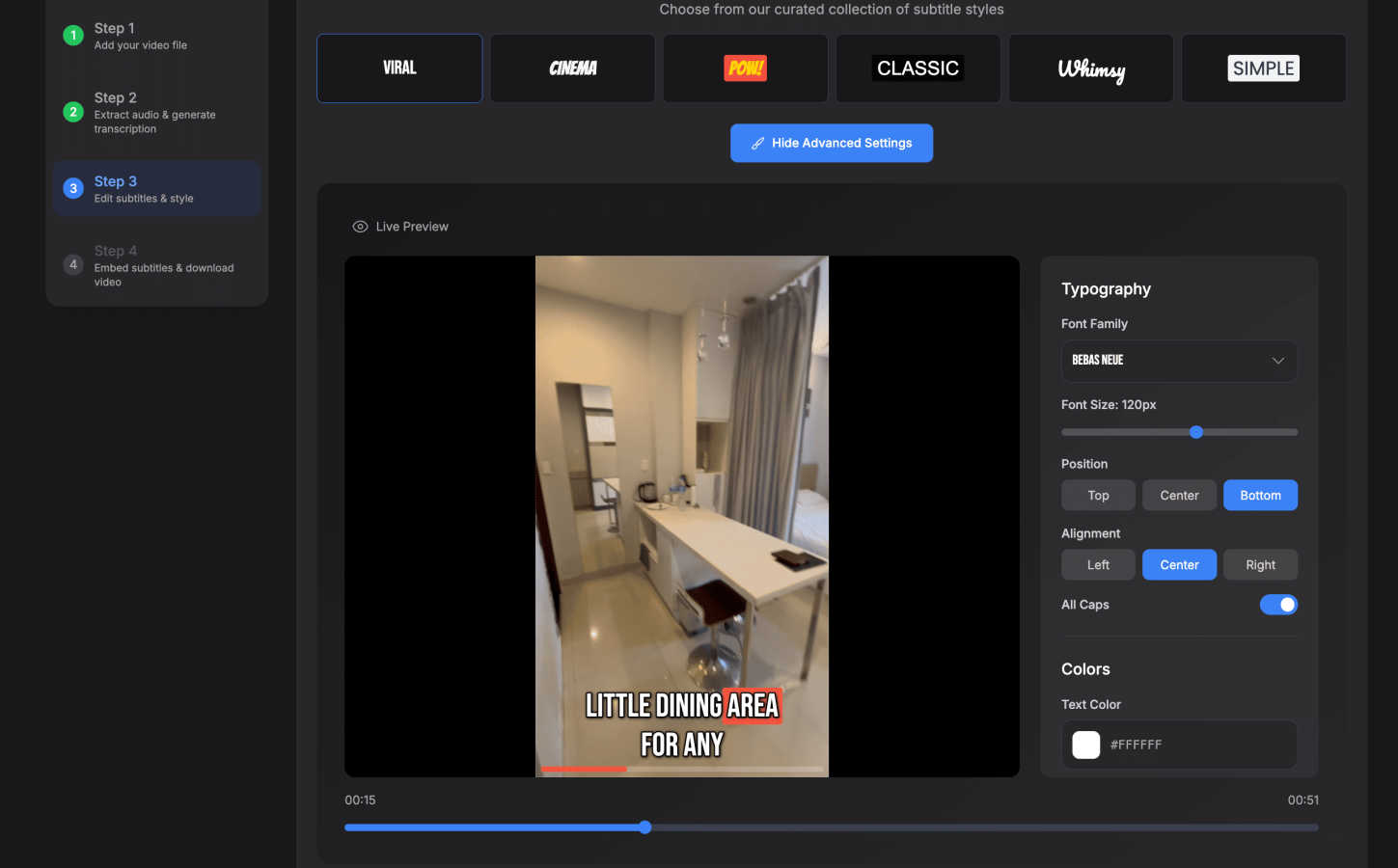
SubtitlesFast is a cutting-edge tool crafted for content creators who seek to streamline their video production workflow without compromising on quality. This innovative platform enables users to upload their video files seamlessly and receive impeccably polished, accurate subtitles within minutes. Catering to a diverse audience that includes social media influencers, vloggers, marketers, and educators, SubtitlesFast provides essential features that enhance viewer engagement and accessibility. Its primary value proposition lies in the automation of transcription and subtitle generation, coupled with customizable options that reflect individual branding needs. By eliminating the cumbersome requirements of complex software installations and simplifying the editing process, SubtitlesFast empowers creators to concentrate on their core mission: producing captivating content that resonates deeply with their audience. With a commitment to efficiency and professionalism, SubtitlesFast stands as a vital asset for anyone looking to elevate their video production capabilities.
Features of SubtitlesFast
Auto-Transcription
SubtitlesFast employs advanced AI technology to transcribe audio content into text with remarkable accuracy in over 50 languages. This feature ensures that users can cater to a global audience, making their videos accessible and engaging for viewers worldwide.
One-Click Export
With SubtitlesFast, users can export their videos with burned-in subtitles in a single click. This streamlined process allows creators to quickly download their ready-to-post videos, saving valuable time and eliminating the hassle of manual editing.
Customizable Styles
Users can choose from over 30 animated subtitle styles, allowing them to maintain their unique branding while enhancing the visual appeal of their videos. This customization capability ensures that subtitles not only convey information but also align aesthetically with the creator's content.
Simple Editor
The intuitive editing interface of SubtitlesFast requires no learning curve, making it accessible for users of all skill levels. It features timeline editing, allowing creators to add text, images, and music effortlessly, which enriches the overall video experience.
Use Cases of SubtitlesFast
Daily Video Production
Content creators who post videos daily can significantly benefit from SubtitlesFast. The platform allows them to quickly upload, edit, and add subtitles, enabling creators to maintain their posting schedule while ensuring high-quality outputs.
Vlog Enhancement
Vloggers can utilize SubtitlesFast to easily add subtitles to their content, making it more engaging and accessible for viewers. This feature is particularly valuable for reaching a broader audience, including those who may be hearing impaired or non-native speakers.
Marketing Campaigns
Marketers can leverage SubtitlesFast to create professional marketing videos with accurate subtitles, enhancing viewer engagement and retention. This tool allows for quick turnaround times, making it ideal for fast-paced marketing environments.
Educational Content Development
Educators can use SubtitlesFast to generate subtitles for instructional videos, ensuring that their material is accessible to all students. This feature promotes inclusivity and aids in comprehension, making learning resources more effective.
Frequently Asked Questions
How long does it take to generate subtitles?
SubtitlesFast can generate accurate subtitles in a matter of minutes, allowing you to enhance your video content quickly and efficiently.
Is there a trial version available?
Yes, SubtitlesFast offers a free trial that allows users to explore its features without any watermarks. This provides an opportunity to experience the tool's capabilities before committing to a subscription.
Can I customize the subtitles?
Absolutely. SubtitlesFast provides a range of customizable styles, allowing users to tailor the appearance of their subtitles to match their brand's aesthetic and video content.
What file formats are supported for upload?
SubtitlesFast supports a variety of video file formats, making it easy for users to upload their content regardless of the platform they initially used to create it.
Similar to SubtitlesFast

Globwall
A wall of 300 animated globs founders claim to show off their product

Hotel Lobby AI
Hotel Lobby AI transforms two separate portraits into a stylish duet video inside an orange recording booth. Choose each performer's side, framing, an
Foreman
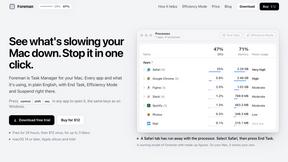
See every app and what it's using in plain English, and end or slow down the one that's hogging your Mac.

GenX
All-in-one AI workspace to generate images, videos, and audio with multiple leading AI models.

Uniclip
Clip pages, take full-page screenshots and batch-capture list data to Notion, Feishu, Obsidian, Markdown, CSV or JSON.
TroveKey
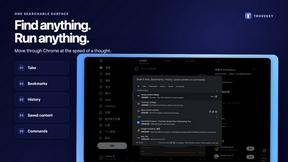
Search tabs, Chrome bookmarks and history, run browser commands, and save webpages and social posts locally—no account.
Typebar
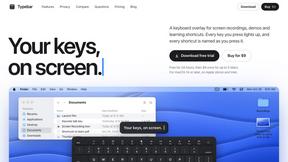
Every key you press lights up on an on-screen keyboard, and each shortcut is named as you press it.
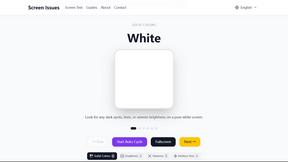
Screen Issues
Free Online Screen Test Tool - Instantly diagnose dead pixels, lines, color issues, and flickering. Multiple test modes, no download needed.