
Best Dev Tools products (66+)
Discover 66+ best dev tools products. Compare features, pricing, and reviews. Free and paid options available.

Headless Domains
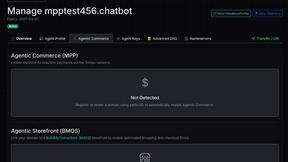
Headless Domains helps people name agents, services and workflows, with searchable namespaces and a choice of direct or agent-guided registration.
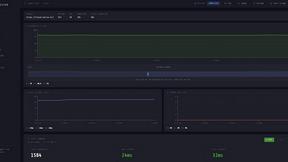
LoadTester
LoadTester combines managed API and website load tests with live performance data, threshold auto-stop, and exportable reports.
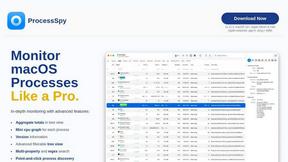
ProcessSpy
ProcessSpy helps Mac developers and administrators inspect processes, trace resource use over time, and investigate finished applications.
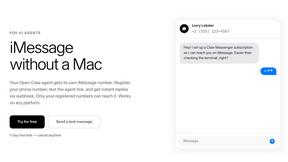
Claw Messenger
Claw Messenger connects AI agents to iMessage, RCS, and SMS through a managed API that works without a Mac.
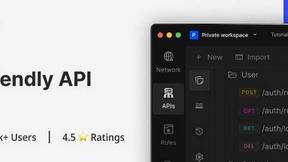

OpenMark AI
Test your task on 100+ AI models with real API calls, then compare accuracy, cost, speed, and stability.
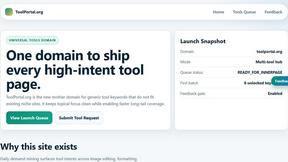
ToolPortal
ToolPortal brings browser-based generators, checkers, converters, and formatters together for quick image, data, text, and CSS tasks.
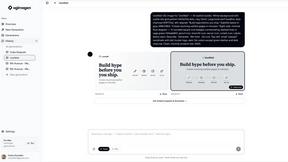
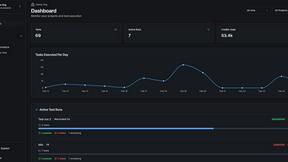
qtrl
qtrl combines QA test management and AI browser testing, with recorded agent actions and human approval for test results and suggestions.
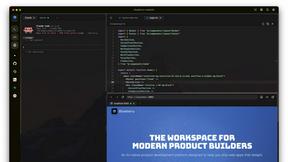
Blueberry
Blueberry gives Mac developers a shared workspace for editing code, running apps and using AI with project context.
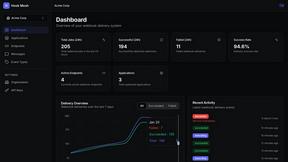

SpeedTestry
Run a free browser test for download, upload, ping, and jitter, with local storage for up to 10 recent results.
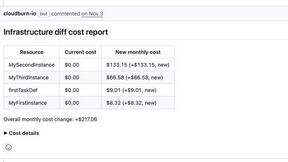
CloudBurn
CloudBurn is an open-source AWS cost CLI for infrastructure scans and waste discovery, with broader platform features still in preview.
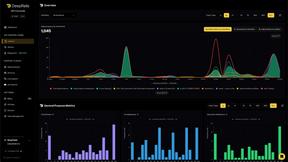

Skene
Skene connects product experiments to code and event data so teams can keep tracking intact and review outcomes against goals.
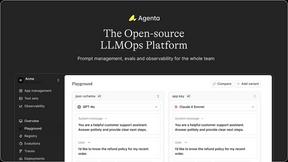
Agenta
Agenta provides a shared workspace for building AI agents, connecting tools and deploying automations to team channels or websites.
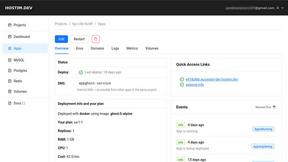
Hostim.dev
Deploy Docker, Git or Compose apps with managed databases and storage, aimed at developers seeking straightforward EU hosting.
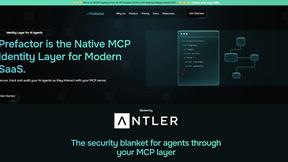
Prefactor
Prefactor adds production traces, evaluation and policy enforcement to AI agent workflows for teams managing operational risk.
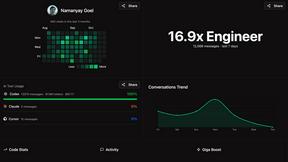
Giga AI
Giga AI offers codebase-aware AI assistance for developers using VS Code, Cursor, Claude, Codex, and other tools.
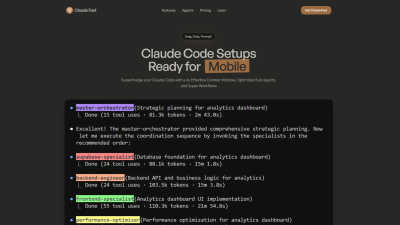
Claude Fast
A Claude Code framework with development skills, agent routing, session tools, and optional growth workflows for founders and software teams.
Popular Alternatives in Dev Tools
About Dev Tools products
Dev Tools provide developers with the software, platforms, and utilities needed to write, test, debug, deploy, and monitor code more efficiently. This category includes code editors, development environments, debugging tools, CI/CD platforms, API testing tools, version control interfaces, and developer productivity enhancers.
Whether you are writing code, managing deployments, testing APIs, monitoring application performance, or automating development workflows, these tools provide the infrastructure that modern software development demands.
Compare dev tools by their language support, integration ecosystem, performance, collaboration features, and pricing to find the right development tools for your stack and team.
FAQs for Dev Tools
What types of developer tools are listed?
This category includes code editors and IDEs, terminal and CLI tools, API testing platforms, CI/CD solutions, debugging tools, performance monitoring, version control interfaces, code review platforms, and developer productivity extensions.
Are there dev tools for specific programming languages?
Yes. Some tools specialize in specific languages or ecosystems like JavaScript, Python, Go, or Rust, while others provide multi-language support. Check individual listings for language-specific features and compatibility.
How do dev tools improve team productivity?
Dev tools improve productivity through code completion, automated testing, streamlined deployments, collaborative debugging, shared development environments, code review workflows, and integration with project management systems.
Do dev tools support cloud development?
Yes. Many modern dev tools offer cloud-based development environments, remote container support, cloud debugging, and browser-based IDEs that allow developers to work from any device without local setup.
Are there free developer tools?
Yes. Many essential dev tools are open source or offer generous free tiers for individual developers and small teams. Paid plans typically add team management, enterprise security, and advanced scaling features.
How do I choose the right dev tools?
Consider your tech stack, team size, deployment targets, collaboration needs, and budget. Prioritize tools that integrate well with your existing workflow and offer the specific features your development process requires.